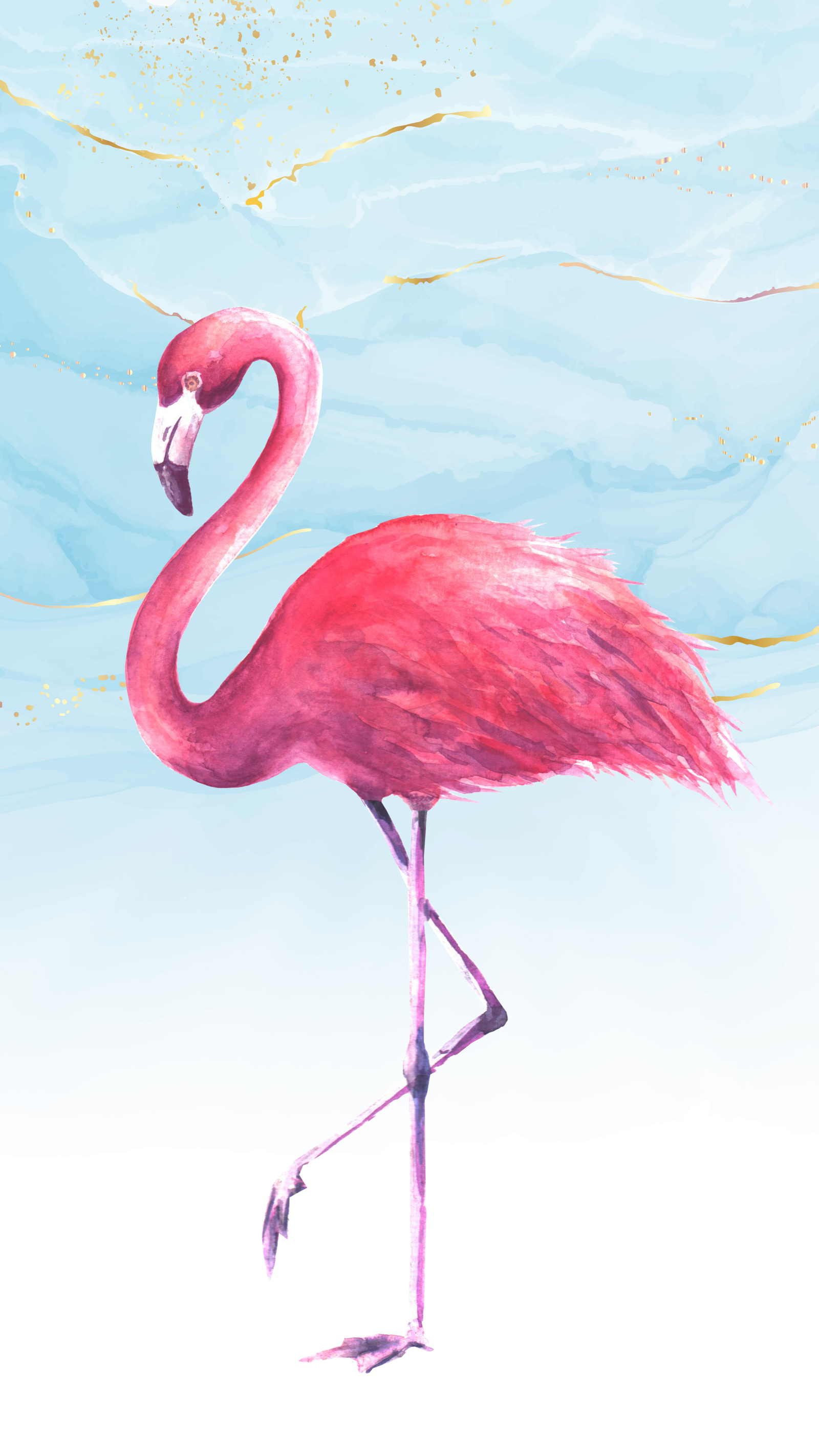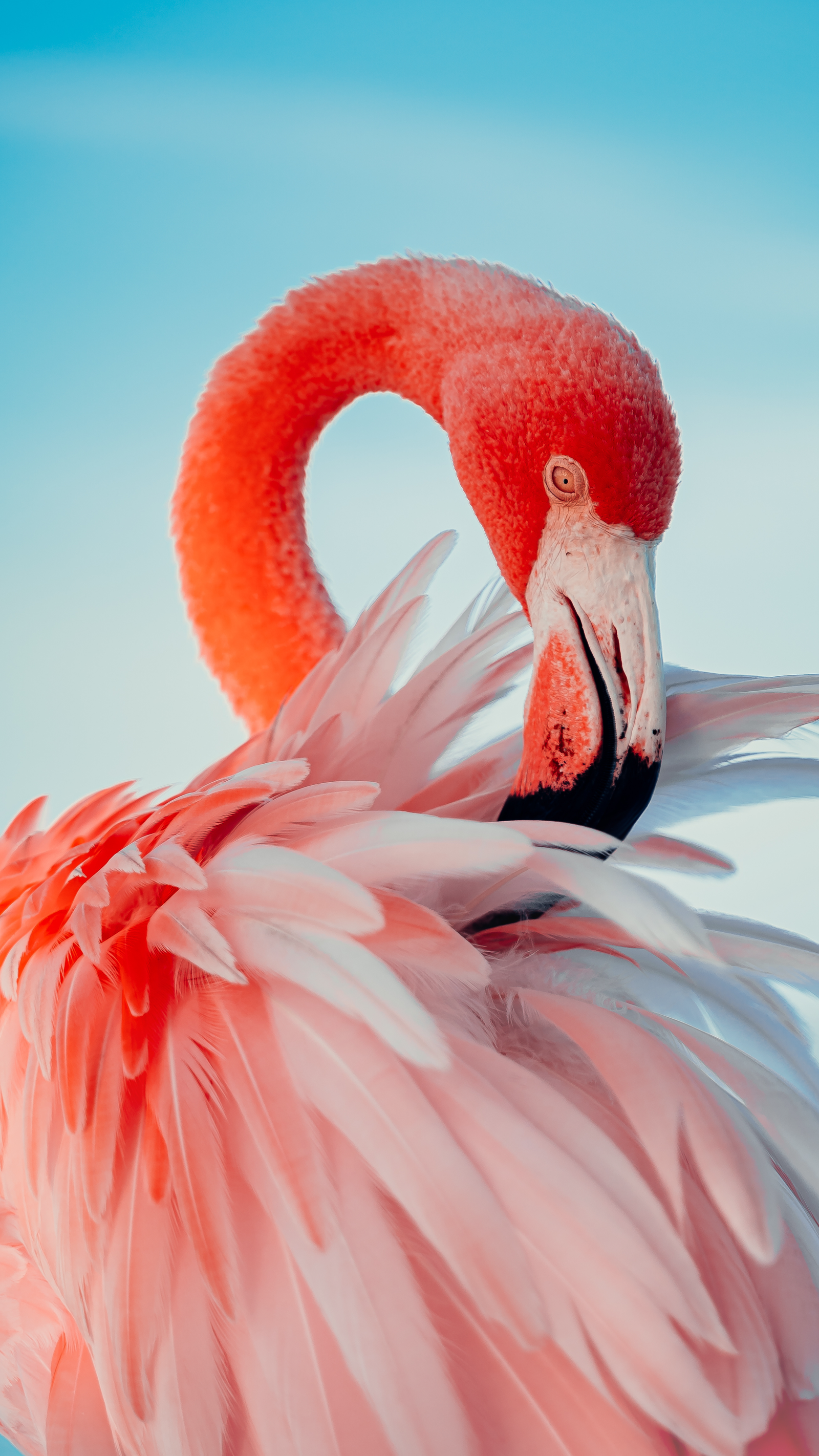
AI Generated Art

AI Image Generator

Try the ultimate Image Generator. Access the most advanced AI models and create AI images with just a prompt or an image reference.

Stay ahead with cutting-edge AI

Access the latest image generation models, optimized for speed and detail. You decide what matters most: faster results or pixel-perfect quality.

Visuals that stay consistent

Use reference images to maintain a style or train your own. Keep your brand consistency across every visual, post, and platform.

Everything in one place

No more tool-hopping. Edit images, remove objects, change aspect ratios, or generate visuals, all within the Pixstube AI Suite.

Built for scale

Connect to the Pixstube AI Image Generation API to automate your visual workflows. Create images from prompts, control styles, and scale production from your own system.

AI models available in the Pixstube Image Generator

Choose from multiple top-tier AI image models to generate exactly what you need

Google

Google's models combine high-quality generation with intelligent editing. Imagen excels at producing photorealistic visuals from text, while Nano Banana (Gemini Flash Image) enables one-shot edits and scene variations using prompts or reference images. Both are known for their structure, detail, and visual consistency.

Available models

Nano Banana Pro

This upgraded version delivers superior quality, improved consistency, and smoother performance for complex AI image creation and editing workflows.

Nano Banana

Google's Nano Banana is a powerful model that enables generation and editing. It's fast, intuitive, and ideal for precise control. You can keep the elements you want and refine...

Google Imagen 4

Imagen 4 balances speed and quality, generating high-resolution images with improved detail, accuracy, and better text handling than previous versions.

Google Imagen 4 Fast

A faster, lightweight version of Imagen 4. It delivers high-quality results with reduced latency, ideal for quick iterations and efficient workflows.

Google Imagen 4 Ultra

This top-tier Imagen model is optimized for ultra-quality outputs. It improves fine textures (like fabrics or water droplets) and excels in both photorealistic and abstract...

Google Imagen 3

The stable predecessor to Imagen 4, still offering excellent photorealism and typography, but a bit slower and at lower resolution compared to Imagen 4.

Get a plan and start creating

UNLIMITED GENERATIONS ⓘ

Premium+

For creatives looking for unlimited generations and flexible AI usage

EUR 34
EUR 21/month
Billed annually
Everything in Premium, and:
  • Unlimited generations in Relax Mode on models like Nano Banana, Seedream, Flux and GPT Image
  • Unlimited image generation and editing on selected models
  • Unlimited video generation with Wan 2.2 (480p), Hailio 2.3 Fast (768p) and Kling 2.5 (720p)
  • 540,000 AI credits/year
  • Unlimited video editing projects, plus Magnific and Topaz Upscalers
  • SVG downloads for AI generated images
  • Private projects & Spaces
  • Extra credits with a discount
Limited offer
  • Unlimited Nano Banana Pro (NK/2N)
  • Unlimited GPT Image 1.5
UNLIMITED GENERATIONS ⓘ

Pro

For professionals scaling their content production

EUR 215
EUR 133.33/month
Billed annually
Everything in Premium+, and:
  • 3,600,000 AI credits/year
  • Lowest cost per credit — 20% cheaper
  • Up to 12 concurrent generations
  • Early access to AI features
Limited offer
  • Unlimited Nano Banana Pro (NK/2N)
  • Unlimited GPT Image 1.5

Learn how to create with the Pixstube AI Suite

Watch tutorials that walk you through different use cases and practical how-to guides.

AI product images

How to create AI product images with Objects

Learn how to generate consistent AI product images using the Objects feature in the AI Image Generator.

View now
AI influencers

How to make AI influencers that look real

Create your own AI influencer easily, with step-by-step guidance and zero design skills needed.

View now
YouTube thumbnails

How to make thumbnails for YouTube videos with AI

Use the Pixstube AI Suite to create bold, clickable thumbnails for your YouTube videos.

View now

How to create AI images

Learn how to create your first AI image and start generating visuals in just a few clicks.

Choose a model, write your prompt, and set the basics

Start by selecting your preferred AI model in the Image Generator. Then, describe your idea with a short text prompt: just a few words will do. Finally, choose the aspect ratio that suits your project.

Add style, structure, and the details that matter

Refine your creation by adding style preferences, adjusting composition, and fine-tuning specific details to match your vision perfectly.

Edit, improve, or keep creating

Once generated, you can edit your image, enhance it with AI tools, or continue creating variations until you achieve the perfect result.

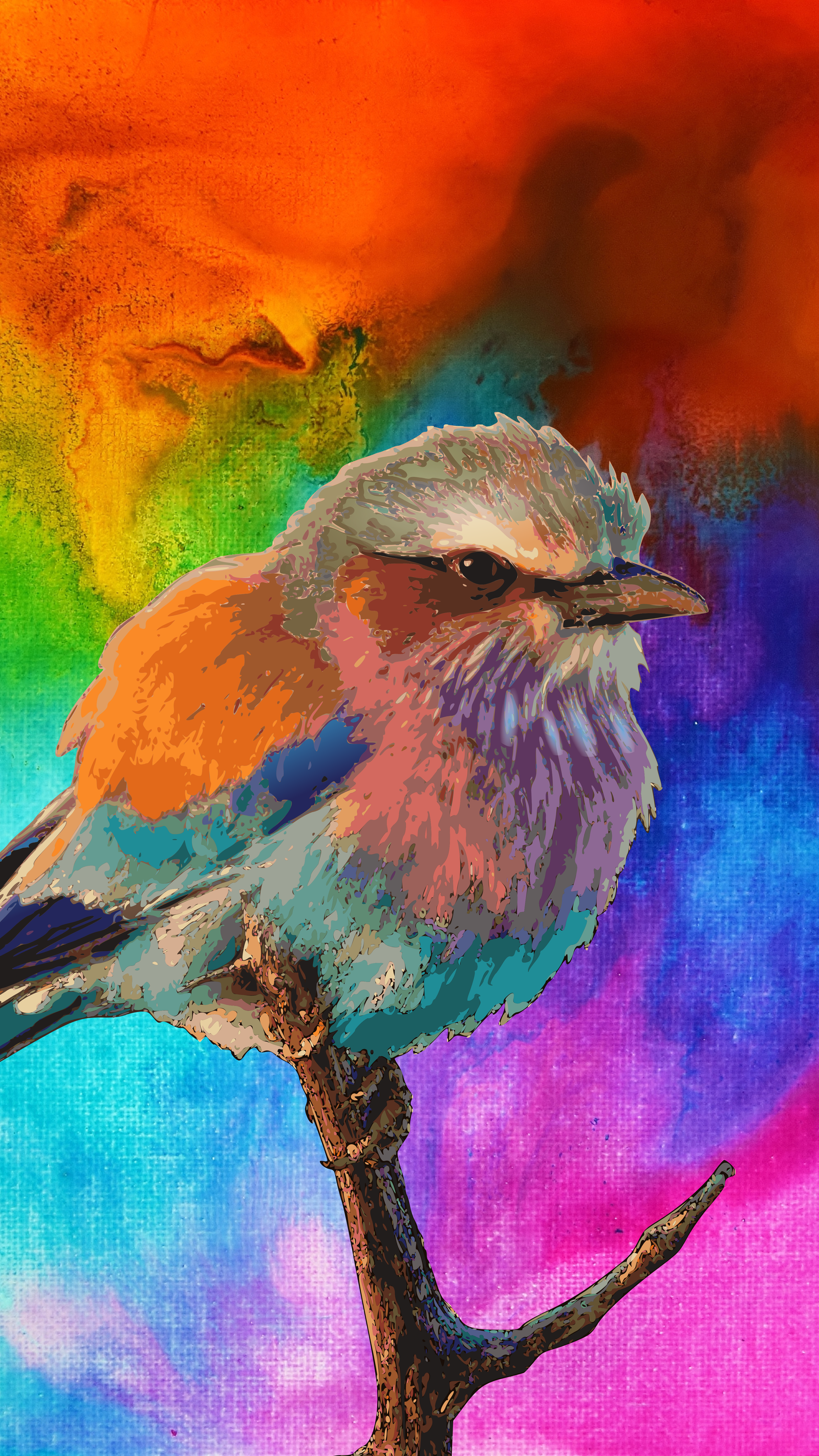
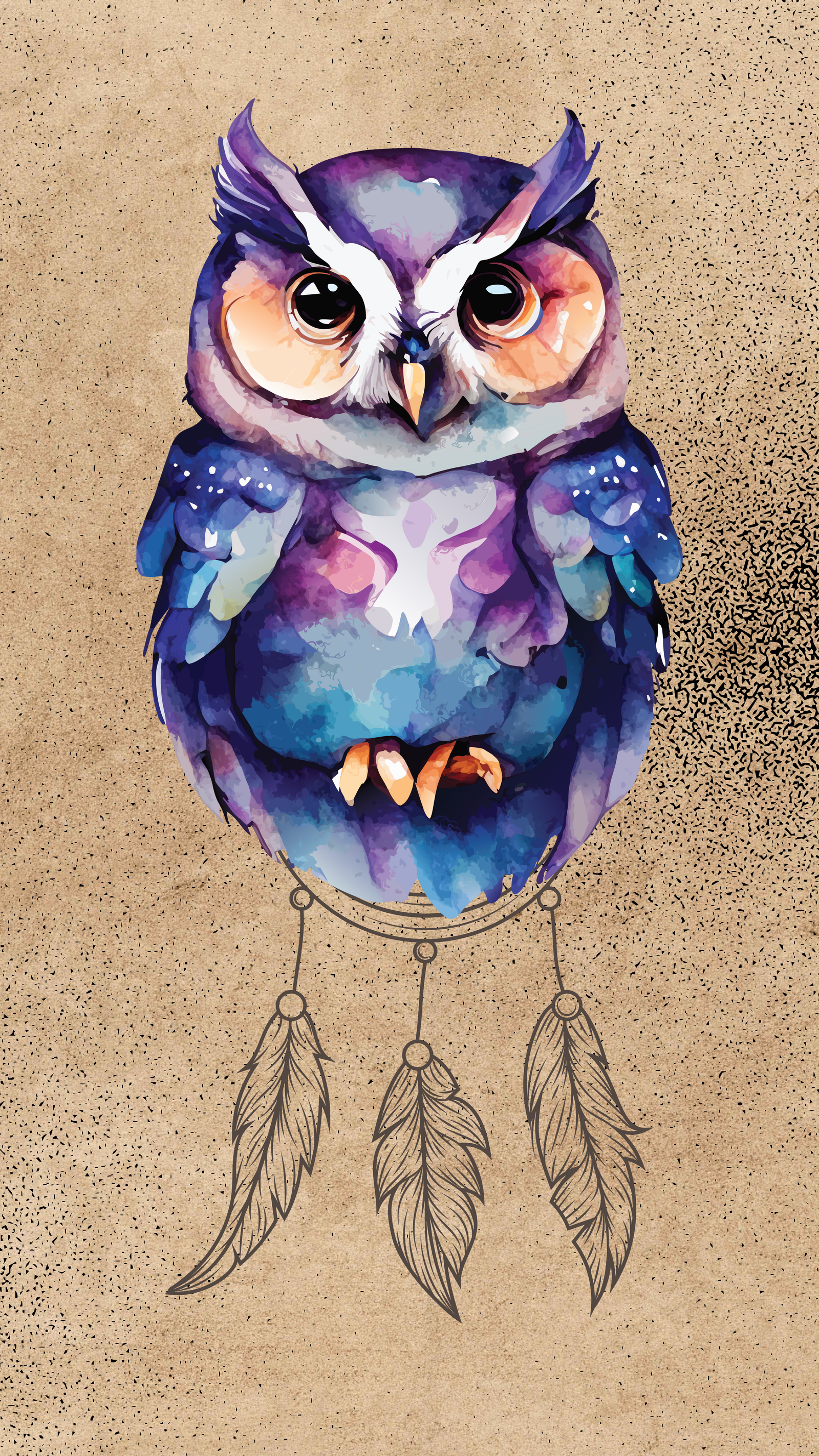
AI Generated Bird

Trusted by visual creators

Andrian
Andrian

"Really fun image generator. Enjoyed using it!"
Ali Hamza
Ali Hamza

"One of the best AI image generators I've used so far. It has three different sources in one place to choose from."

Jisha Tigga
Jisha Tigga

"One of the best sites with a wide collection of images to work on. I really liked their Pixstube AI Image Generator. It followed the given instructions and created the exact image I was looking for."
Jitesh
Jitesh

"The AI Image Generator's results are mind-blowing! They are accurate, with suggestions like 35mm, neon, etc. I am really impressed!"

Tools to skyrocket your creative freedom

More tools and features coming soon! Want to test them before anyone? Become our AI partner.

Supercharge your creativity flow

Discover how our tools can skyrocket your designs effortlessly

AI background generator AI background changer AI art generator Crop image Image resizer Unblur image
Photo filters Image enhancer AI Text Generator PNG maker

Frequently asked questions

What is Pixstube AI Image Generator?

Pixstube AI Image Generator is an advanced tool that uses artificial intelligence to create stunning images from text descriptions. Simply describe what you want to see, and our AI models will generate it for you.

Is the Pixstube AI Image Generator free?

Yes, we offer a free tier that allows you to generate a limited number of images per day. For unlimited generations and access to premium features, you can upgrade to one of our paid plans.

How many images can I generate?

The number of images you can generate depends on your subscription plan. Free users get a limited number per day, while Premium+ and Pro users enjoy unlimited generations in Relax Mode.

Does the Pixstube Image Generator create copyrighted images?

Images generated by our AI are created from scratch based on your prompts. However, commercial use rights depend on your subscription plan. Please review our terms of service for detailed information.

Which AI models does the Pixstube Image Generator include?

We offer access to multiple state-of-the-art AI models including Google Imagen, Flux, DALL-E, Ideogram, and more. Each model has unique strengths for different types of image generation.

Which styles can I choose from in the AI Image Generator?

You can choose from a wide variety of styles including Realistic, Anime, Digital Art, Oil Painting, Watercolor, 3D Render, and many more. Each style can be further customized with additional parameters.

Can I use the Pixstube AI Image Generator for commercial use?

Yes, with Premium+ and Pro plans, you can use generated images for commercial purposes. Please check our license terms for specific usage rights and restrictions.

Can I generate photorealistic AI images?

Absolutely! Our AI models, especially Google Imagen and Flux, excel at creating photorealistic images. Simply select the "Realistic" style or use prompts that describe photorealistic characteristics.